
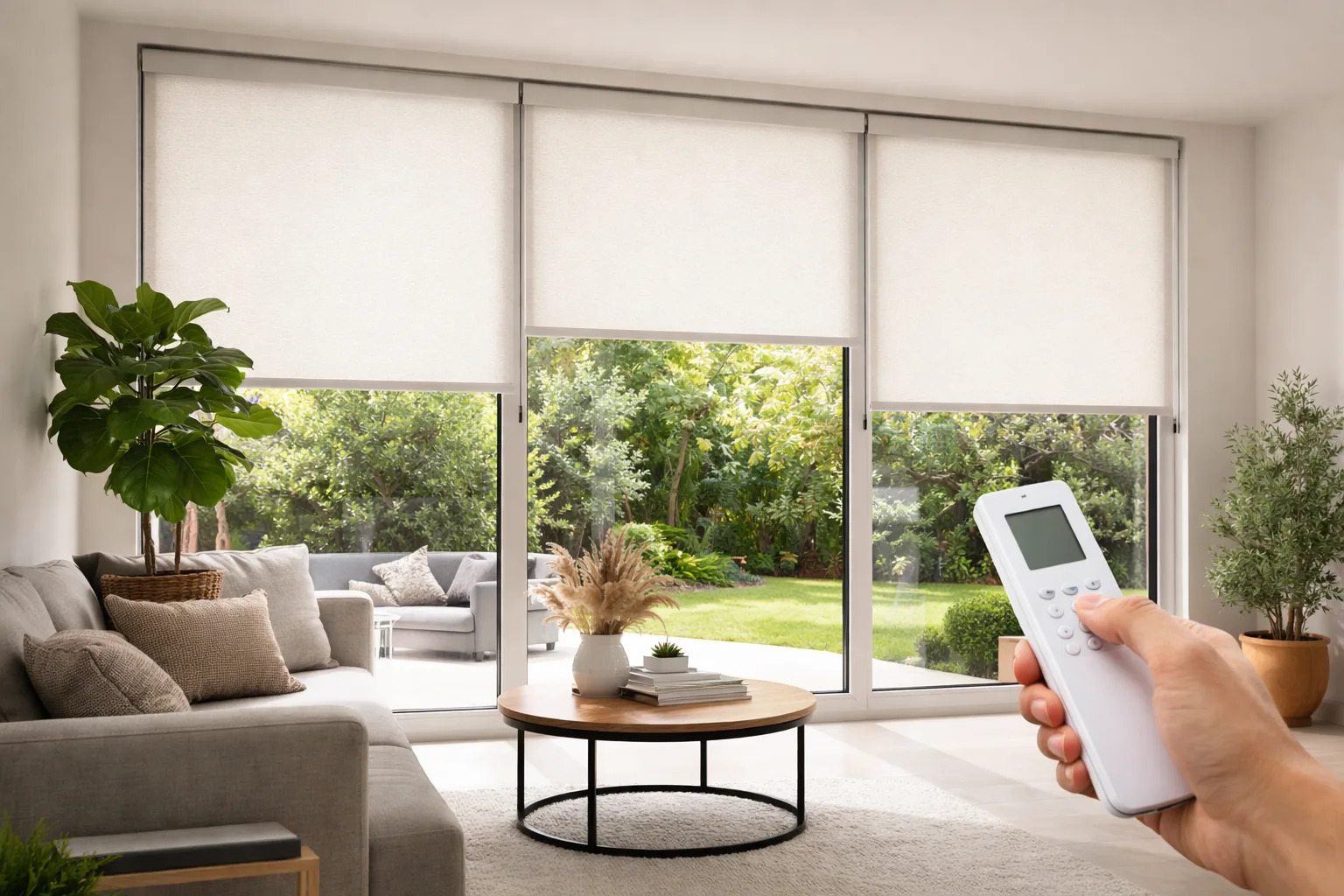

When motorized blinds stop working, the cause is usually simple: a flat battery in the remote or the motor, a remote set to the wrong channel, lost pairing after a power interruption, travel limits that have drifted, or a Wi-Fi or hub problem that has nothing to do with the blind itself. Most of these can be checked in a few minutes. The one symptom you shouldn’t troubleshoot on your own is a grinding or straining motor: stop using the shade and have it looked at.
Quick Answer: What to Check First
- Test the remote. Replace its battery and make sure it’s set to the right channel.
- Check the motor’s power. Charge the battery pack, clean the solar panel, or confirm a wired motor’s switch and breaker are on.
- Look for an obstruction along the fabric path, bottom rail and brackets.
- Think back to any power outage, router change or Wi-Fi password change. Any of these can break pairing or app control.
- Check the hub is powered and online, and that other smart devices on the same network are working.
- Review schedules in the app and in any voice assistant routines for duplicates or wrong times.
- Recalibrate the limits using your system’s instructions if the shade stops short.
- Stop and call if you hear grinding, clicking or straining.
Match the Symptom to the Likely Cause
“Not working” can mean several things. Start with the row that matches what you’re seeing. If you’re still deciding whether to motorize more rooms, see what motorized blinds change day to day.
| What you notice | Most likely cause | First thing to try |
|---|---|---|
| Nothing happens with the remote, but the app works | Remote battery or channel | New remote battery; check the channel |
| Nothing works at all, remote or app | Motor power | Charge the battery or check the power supply |
| App and voice fail, remote still works | Wi-Fi or hub | Restart the hub; check your network |
| Shade stops short or overshoots | Limits drifted or obstruction | Clear the path, then recalibrate |
| Moves at odd times | Schedule settings | Review schedules and routines |
| Grinding, clicking or straining | Mechanical issue | Stop using it and get it checked |
Motorized Blinds Not Responding to the Remote
This is the most common false alarm, so rule out the remote first.
- Replace the remote’s battery. Many remotes have a small indicator light. If it doesn’t light up, or only flickers, the battery is the problem. A weak battery can light the indicator and still not send a strong enough signal, so replace it anyway.
- Check the channel. Multi-channel remotes control different shades on different channels. It’s easy to bump the channel button and end up controlling a blind in another room, or none at all.
- Try from closer. If it works up close but not from across the house, range is the issue.
- Try the other controls. If the app or a wall switch still moves the shade, the motor is fine and the problem is only the remote.
If a new battery doesn’t help and the shade ignores every control, the remote may have lost its pairing. That often happens after a power interruption to the home (see below).
Motorized Blind Not Moving at All
If the shade doesn’t respond to anything, look at how the motor is powered.
Battery motors
A flat battery is the usual cause. Charge the battery pack fully with the charger that came with it, or replace the batteries with the type specified for your motor. A shade that has been getting sluggish lately was giving you the warning.
Solar-powered motors
A dusty panel, a panel that has shifted out of the sun, or a run of short winter days can leave the battery drained. Wipe the panel with a soft, dry cloth and top up the battery with a charger if your system allows it.
Wired motors
Check the wall switch, any plug-in connection, and the breaker. If other things on the same circuit have also stopped, the problem is household power, not the blind.
Overheating protection
Many motors pause themselves after being run up and down repeatedly. Leave the shade for a while and try again.
Battery draining faster than it used to
If a battery that used to last months now needs charging every few weeks, check for a schedule running more often than you meant, a shade rubbing on the frame, or a cold room such as a sunroom, where battery performance drops. If none of those apply, the pack may simply be ageing. Our season-by-season maintenance checklist for motorized blinds covers the charging routine that prevents most of this.
Shade Moves but Doesn’t Fully Open or Close
A shade that stops a little short of the sill, or doesn’t quite reach the top, usually has limits that have drifted. The limits are the stopping points programmed into the motor, and they can shift gradually over time or be lost after a power interruption.
First, make sure nothing is physically in the way: a plant on the sill, a lamp, a curtain, or fabric catching on the window frame. An obstruction can make the motor stop early to protect itself. If the path is clear, follow the recalibration steps for your specific system in the remote or app. Don’t guess at button sequences.
If the fabric rolls up crooked, the headrail or brackets may have shifted. That’s mechanical, not a setting, and worth having checked before it damages the fabric edge.
Motorized Blinds Stopped Working After a Power Outage
A power outage or a tripped breaker can cause a few different problems at once. Wired motors may lose their limits or pairing. A hub may come back on before your router does and fail to reconnect. Schedules can be thrown off if the hub’s clock resets.
Work through it in order: wait until your internet is fully back, restart the hub, then test the shade with the remote. If the remote works but the app doesn’t, it’s a hub or network issue. If nothing works, the motor may need to be re-paired or its limits set again. A factory reset should be the last step, not the first, because it usually erases limits, pairing and smart home connections, and you’ll need to set everything up again.
App, Wi-Fi or Hub Not Connecting
When the remote still works but the app or voice assistant doesn’t, the blind is almost never the problem. Check these in order:
- Other smart devices. If they’re also dropping off, it’s your home network.
- A new router or Wi-Fi password. This is one of the most common causes. The hub or motor keeps trying the old network details and needs to be reconnected through the app.
- Hub power and placement. Make sure the hub is plugged in and its status light shows it’s online. A hub tucked inside a cabinet may struggle to reach distant shades.
- Voice assistant link. If only voice control has stopped, the link between the blind’s app and your assistant may need to be refreshed in the assistant’s app.
Blinds opening or closing at the wrong time
If schedules misbehave, check these:
- Clock changes. Daylight saving time shifts in March and November. Check schedules after each change, especially if the hub was offline at the time.
- Location settings. Sunrise and sunset schedules depend on the location set in the app. If it’s wrong, the timing will be too.
- Overlapping routines. A schedule in the blind’s app and a separate routine in a voice assistant or smart home platform can fight each other. Keep each schedule in one place.
Grinding, Clicking or Straining Noise
A soft, steady hum is normal. A new grinding, clicking or labouring sound is not. It can mean the shade is caught on something, the fabric is rubbing, or a component inside the headrail is wearing. Stop running the shade and check for an obstruction. If there isn’t one, don’t keep testing it: continuing to operate a straining motor is how a simple fix becomes a full motor replacement.
Frequently Asked Questions
Why did my motorized blinds suddenly stop working?
The most common reasons are a flat battery in the motor or remote, lost pairing after a power interruption, or a Wi-Fi change that disconnected the hub. Check power first, then the remote, then the network.
How do I reset my motorized blinds?
Every system has its own reset and pairing sequence, so follow the instructions for your motor and remote. Try charging, restarting the hub and re-pairing before a full factory reset, which usually erases limits and smart home connections.
Why does only one of my motorized blinds not respond?
If the rest of the house works, the problem is local to that shade: its battery, its channel on the remote, an obstruction, or its distance from the hub. Start by charging it and checking the remote channel.
Why won’t my motorized blind close all the way?
Usually the limits have drifted or something is blocking the fabric. Clear the path, then recalibrate the bottom limit using your system’s instructions.
Still Not Working?
If you’ve worked through the checks above and the shade still isn’t right, or it’s making a noise it shouldn’t, get in touch or call us at +1 (437) 260-8048, Monday to Saturday, 9:00 am to 5:00 pm. Tell us what the shade is doing and what changed recently. If an older shade is past a simple fix, our motorized blinds are made to measure with battery, solar or wired motors, and we offer free in-home measurement and professional installation across the GTA. Request your free quote to get started.